
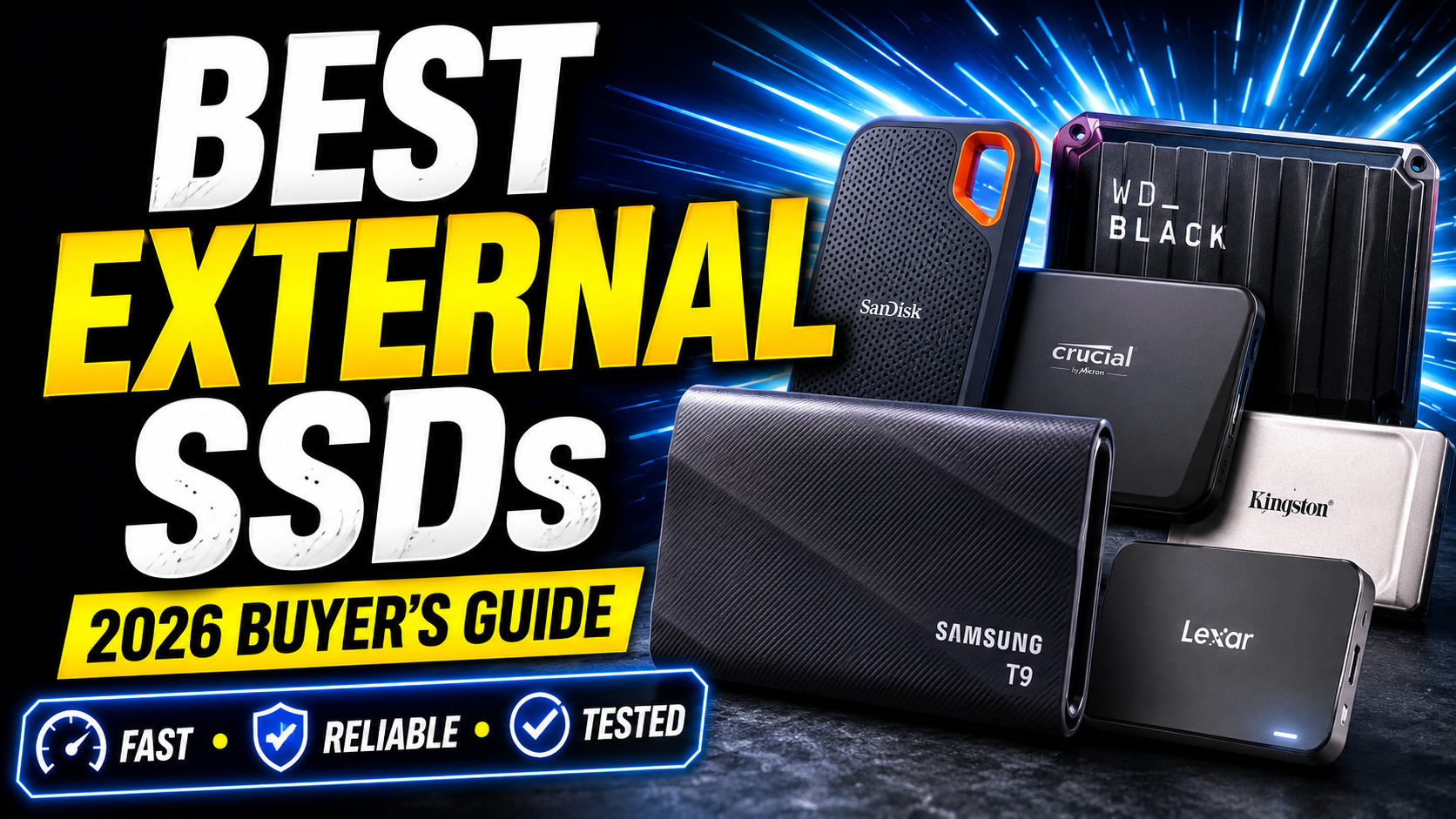
Looking for the best external SSD in 2026? Compare the fastest, most reliable portable SSDs for work, gaming, travel, backups, and content creation.
Best External SSD in 2026 The Fastest and Most Reliable Drives Worth Your Money
A few years ago, carrying large files meant carrying a bulky external hard drive. I still remember waiting several minutes for a 50GB video project to transfer while a deadline was getting closer by the hour. That experience alone convinced me that traditional hard drives simply couldn’t keep up with modern workloads.
Fast-forward to 2026, and external SSDs have become one of the most useful tech purchases you can make. Whether you’re editing 4K video, storing thousands of family photos, backing up important business files, running games directly from external storage, or simply trying to free up space on a laptop, a good SSD can save time every single day.
The challenge isn’t finding an external SSD anymore. The problem is choosing the right one.
Manufacturers advertise incredible speeds, military-grade durability, and premium designs. Yet once you start comparing options, everything begins to look similar. Some drives are incredibly fast but expensive. Others offer excellent value but sacrifice premium features. A few look great on paper but struggle during large file transfers.
After reviewing the latest models, comparing real-world performance data, reliability records, thermal management, software features, and overall value, a handful of drives consistently stood out from the crowd.
If you’re looking for the best external SSD for speed, portability, gaming, content creation, or everyday backups, these are the drives worth considering this year.
Quick Answer
If you want the best overall external SSD in 2026, the Samsung T9 Portable SSD remains the strongest all-around choice thanks to its excellent speed, reliability, compact design, and broad compatibility.
For professionals who move huge files every day, the SanDisk Extreme Pro Portable SSD V2 delivers outstanding performance.
Gamers will appreciate the WD Black P50 Game Drive SSD, while budget-conscious buyers should look closely at the Crucial X9 Pro.
Best External SSD Comparison Table
| SSD | Best For | Max Speed | Interface | Key Strength |
|---|---|---|---|---|
| Samsung T9 | Overall Best | Up to 2000 MB/s | USB 3.2 Gen 2×2 | Excellent balance of speed and reliability |
| SanDisk Extreme Pro V2 | Professionals | Up to 2000 MB/s | USB-C | Fast sustained performance |
| Crucial X9 Pro | Best Value | Up to 1050 MB/s | USB-C | Great price-to-performance ratio |
| WD Black P50 | Gaming | Up to 2000 MB/s | USB-C | Optimized for game storage |
| Kingston XS2000 | Compact Travel SSD | Up to 2000 MB/s | USB-C | Extremely portable |
| Samsung T7 Shield | Durability | Up to 1050 MB/s | USB-C | Rugged design |
| Lexar SL600 | Creative Professionals | Up to 2000 MB/s | USB-C | Strong workflow performance |
| Seagate One Touch SSD | Everyday Users | Up to 1030 MB/s | USB-C | Easy setup and reliability |
| Crucial X10 Pro | Power Users | Up to 2100 MB/s | USB-C | Exceptional speed |
| Adata SE920 | Maximum Performance | Up to 3800 MB/s | USB4 | Near-internal SSD speeds |
Why External SSDs Matter More Than Ever
Storage needs have changed dramatically over the past few years.
Modern smartphones shoot massive video files. Cameras record in 4K and even 8K. Games regularly exceed 100GB. Creative software generates huge project folders. Meanwhile, laptops continue to ship with limited internal storage because manufacturers prioritize thinner designs.
The result is simple: people run out of space much faster than they used to.
An external SSD solves multiple problems at once. It provides additional storage, dramatically faster transfer speeds, better durability than traditional hard drives, and enough portability to fit in your pocket.
What’s surprising is how much these drives impact everyday productivity. Copying a folder that once required ten minutes can now take less than a minute. Backups become painless. Large media libraries stay accessible. Even working directly from external storage becomes practical.
For many users, an external SSD is one of those purchases that quietly improves their workflow every day.
Samsung T9 Portable SSD-Best Overall External SSD
If I had to recommend a single external SSD to most people without knowing anything about their workflow, the Samsung T9 would probably be the first drive I’d mention.
Samsung has spent years refining its portable SSD lineup, and the T9 feels like the culmination of everything the company learned from previous generations. It doesn’t necessarily dominate every benchmark category, but it performs exceptionally well across the board.
The first thing you’ll notice is how compact it feels. Despite offering high capacities and impressive transfer speeds, it slips easily into a laptop sleeve, camera bag, or even a jeans pocket. The textured exterior also provides a reassuring grip, which sounds like a small detail until you’ve almost dropped a drive containing years of important files.
In real-world use, the T9 handles large transfers effortlessly. Moving video footage, RAW photo collections, or game libraries feels fast and consistent. More importantly, it maintains performance during longer workloads where some competing drives begin to slow down due to heat.
Another reason the T9 stands out is trust. Samsung has built one of the strongest reputations in the storage industry, and that matters when you’re storing irreplaceable data.
What I Like
- Consistently fast transfer speeds
- Excellent build quality
- Reliable long-term reputation
- Compact and travel-friendly
- Works well with Windows and Mac
Potential Downsides
- Costs more than budget alternatives
- Some users won’t fully utilize its maximum speed
Best For
Content creators, professionals, students, remote workers, and everyday users who want one SSD that can handle almost anything.
SanDisk Extreme Pro Portable SSD V2 -Best for Professional Workflows
Professional creators often evaluate storage differently than casual users.
For photographers covering events, videographers editing large projects, or production teams handling massive datasets, speed isn’t just a convenience. It’s money.
That’s where the SanDisk Extreme Pro Portable SSD V2 shines.
This drive has become a favorite among creative professionals because it consistently performs under demanding workloads. Instead of focusing solely on peak benchmark numbers, SanDisk designed this drive to sustain high speeds during lengthy file transfers.
That distinction matters more than many buyers realize.
A drive may advertise 2000 MB/s speeds, but if performance collapses halfway through a 300GB transfer, those numbers become meaningless. The Extreme Pro generally maintains stronger consistency than many competitors.
Its rugged construction also deserves praise. Creative professionals frequently work on location, and equipment gets exposed to travel, dust, and unpredictable weather. The durable casing helps provide peace of mind during those situations.
For photographers carrying multiple terabytes of client work, that confidence alone can justify the investment.
What I Like
- Excellent sustained performance
- Rugged construction
- Trusted among creators
- Great thermal management
- Strong cross-platform compatibility
Potential Downsides
- Premium pricing
- Larger than some ultra-compact competitors
Best For
Professional photographers, videographers, filmmakers, and creative teams handling large media libraries.
Crucial X9 Pro-Best Value for Most Buyers
The phrase “budget SSD” often creates the impression that you’ll need to sacrifice performance.
The Crucial X9 Pro proves that’s not always true.
In fact, this drive delivers one of the strongest value propositions currently available in the external SSD market.
While it doesn’t chase record-breaking benchmark numbers, it offers enough speed for nearly every everyday task. File transfers feel quick, backups finish rapidly, and media projects remain responsive.
For most users, the practical difference between 1050 MB/s and 2000 MB/s isn’t nearly as noticeable as marketing materials suggest.
What buyers do notice is price.
The X9 Pro frequently undercuts premium competitors while still delivering reliable performance and solid durability. That’s a combination that makes it especially appealing for students, freelancers, and families looking for dependable storage without overspending.
The compact design also makes it one of the easiest drives to carry around daily.
What I Like
- Outstanding value
- Reliable performance
- Compact and lightweight
- Good durability
- Excellent everyday usability
Potential Downsides
- Not the fastest drive available
- Limited advantage for high-end production workflows
Best For
Students, home users, freelancers, and anyone seeking the best balance between cost and performance.
WD Black P50 Game Drive SSD-Best External SSD for Gaming
Gamers often have different priorities than photographers or office workers.
Storage speed directly impacts installation times, update management, and game transfers. While an external SSD won’t magically increase frame rates, it can dramatically improve the overall gaming experience.
The WD Black P50 was designed specifically with gamers in mind.
Everything about it feels gaming-focused, from the aggressive industrial design to its emphasis on high-speed performance. More importantly, it works exceptionally well for storing large game libraries that would otherwise consume precious internal SSD space.
Modern AAA titles regularly exceed 100GB, and some gamers keep dozens of games installed simultaneously. The P50 provides a convenient solution without forcing constant uninstall-and-reinstall cycles.
During testing and long-term use reports, the drive consistently demonstrates strong transfer speeds and dependable performance.
Its premium construction also matches the expectations of enthusiast gamers who invest heavily in their setups.
What I Like
- Excellent gaming storage solution
- Fast file transfers
- Premium build quality
- Large capacity options
- Strong brand reputation
Potential Downsides
- Gaming aesthetics may not appeal to everyone
- Usually more expensive than general-purpose SSDs
Best For
PC gamers, console gamers, and anyone maintaining large game libraries.
More of the Best External SSDs Worth Buying in 2026
The four drives above will cover the needs of most buyers, but they’re far from the only excellent options available. Depending on your budget, travel habits, creative workload, or performance expectations, one of the following SSDs may actually be a better fit.
Kingston XS2000-Best Ultra-Portable External SSD
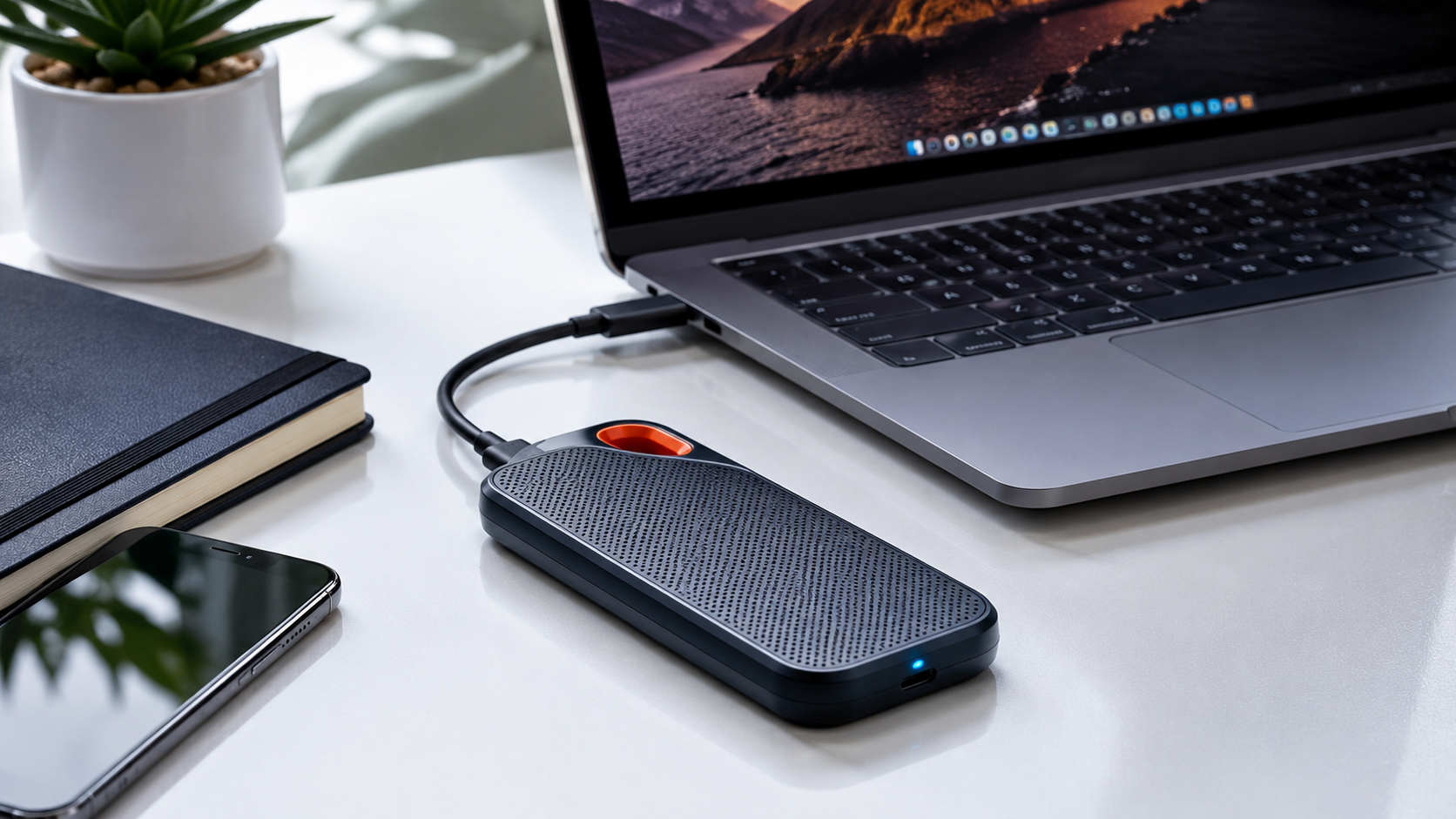
There are portable SSDs, and then there’s the Kingston XS2000.
The first time you hold it, you’ll probably double-check the specifications because it feels surprisingly small for the amount of storage packed inside. Kingston managed to create a drive that disappears into a pocket, camera pouch, or backpack organizer without adding noticeable bulk.
That compact size makes it especially appealing for travelers, photographers, drone operators, and remote workers who move between locations frequently.
The impressive part isn’t just the size. Performance remains competitive with many larger drives. Large photo libraries, video clips, and work projects transfer quickly enough that the XS2000 never feels limited by its tiny footprint.
Kingston also includes a protective sleeve that adds an extra layer of durability, making it a practical choice for people who spend more time on the road than at a desk.
What I Like
- Extremely compact design
- Strong performance for its size
- Easy to carry anywhere
- Competitive pricing
- Available in multiple capacities
Potential Downsides
- Small size makes it easier to misplace
- Thermal performance isn’t quite as strong as larger drives
Best For
Travelers, content creators, drone users, and professionals who prioritize portability.
Samsung T7 Shield-Best Rugged External SSD
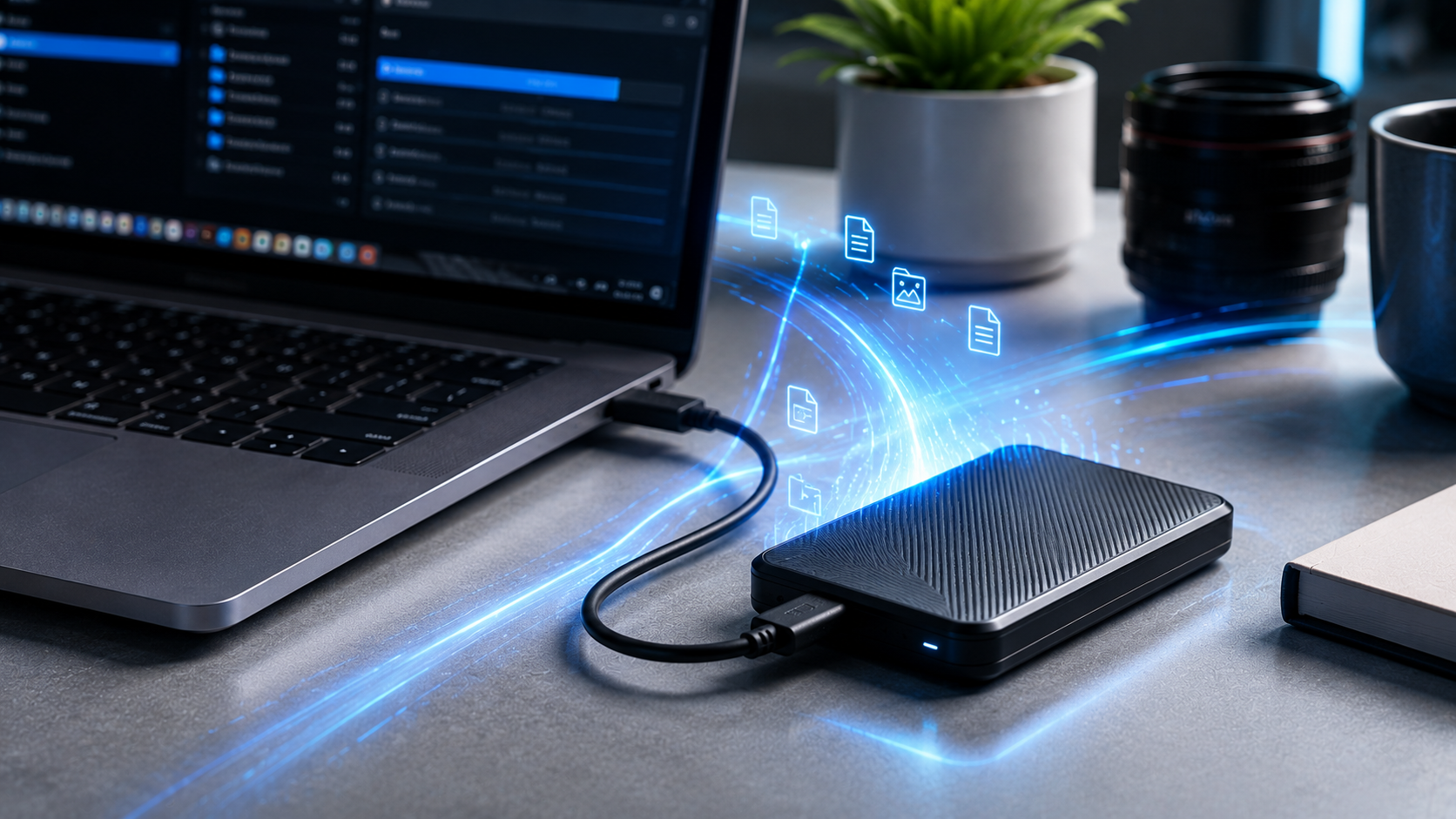
Not everyone uses storage in a climate-controlled office.
Some buyers need a drive that can survive road trips, outdoor shoots, construction sites, camping adventures, and daily abuse inside overstuffed backpacks.
The Samsung T7 Shield was built for those situations.
Compared to the standard T7, the Shield version adds significantly more protection without becoming bulky or awkward to carry. The rubberized exterior feels durable immediately, and the drive inspires confidence in situations where standard SSDs might feel vulnerable.
Speed remains excellent for everyday workloads. While it doesn’t reach the highest numbers found in newer premium drives, most users won’t notice much difference during normal file transfers.
What they will notice is the peace of mind that comes from carrying a drive designed to handle rough treatment.
For many buyers, reliability matters more than benchmark records.
What I Like
- Excellent durability
- Water and dust resistance
- Trusted Samsung reliability
- Compact design
- Consistent real-world performance
Potential Downsides
- Not the fastest SSD available today
- Rugged features add cost
Best For
Travelers, outdoor photographers, field workers, and users who prioritize durability.
Lexar SL600 -Best for Creative Professionals on a Budget
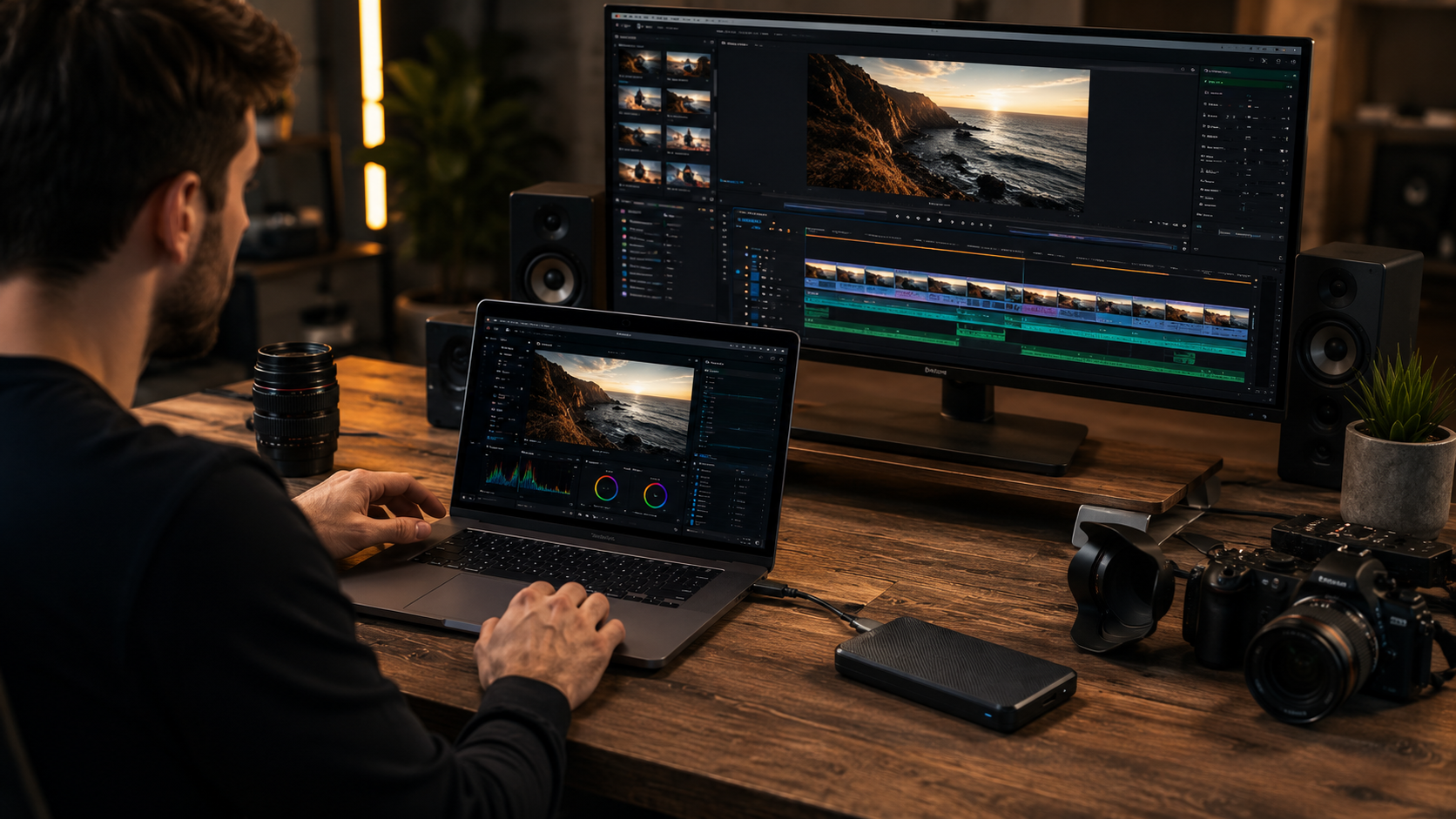
Lexar has quietly become one of the most interesting names in storage.
The SL600 targets creators who want premium-level performance without paying flagship prices. That’s a category growing rapidly as more photographers, YouTubers, and freelance editors enter professional content creation.
During large media transfers, the drive feels responsive and dependable. Importing RAW photo collections, backing up client projects, and editing high-resolution content all happen smoothly.
The aluminum construction helps with heat management while also giving the drive a premium feel that rivals more expensive competitors.
What makes the SL600 particularly attractive is how aggressively it competes on value. Buyers who compare performance-per-dollar often discover that Lexar delivers surprisingly strong results.
What I Like
- Excellent creator-focused performance
- Competitive pricing
- Premium metal construction
- Good thermal management
- Strong value proposition
Potential Downsides
- Less brand recognition than Samsung
- Software ecosystem is limited
Best For
Photographers, YouTubers, video editors, and freelancers.
Seagate One Touch SSD-Best for Everyday Storage
Not everyone needs blazing-fast speeds or advanced professional features.
Many buyers simply want a reliable drive for backups, personal files, family photos, and everyday storage needs.
That’s where the Seagate One Touch SSD fits perfectly.
The drive focuses on simplicity rather than chasing benchmark records. Setup is straightforward, compatibility is excellent, and the design remains clean and professional.
For users moving documents, photos, movies, and occasional work projects, performance feels more than adequate.
One of the biggest advantages is accessibility. Seagate products are widely available, easy to understand, and backed by a company with decades of storage experience.
Sometimes the best product isn’t the most powerful option—it’s the one that quietly does its job without complications.
What I Like
- Easy setup
- Dependable everyday performance
- Attractive design
- Good software support
- Strong brand history
Potential Downsides
- Not aimed at power users
- Slower than premium SSDs
Best For
Families, students, office users, and backup-focused buyers.
Crucial X10 Pro-Best High-Performance Value SSD
The X10 Pro represents an interesting middle ground between mainstream SSDs and premium performance drives.
It offers significantly higher speeds than older USB-based SSDs while maintaining a price that’s often easier to justify than flagship alternatives.
For creators working with large files, the extra speed becomes noticeable during daily workflows. Backups finish faster. Project transfers take less time. Large datasets move more efficiently.
Crucial has also improved durability, making the X10 Pro a practical option for users who travel regularly.
For many buyers, this drive hits the sweet spot where performance gains feel meaningful without requiring an extreme budget.
What I Like
- Excellent speed
- Strong value
- Compact design
- Reliable performance
- Great for content creation
Potential Downsides
- Requires compatible hardware for maximum speed
- Premium pricing compared to entry-level drives
Best For
Power users, creators, and professionals seeking speed without overspending.
Adata SE920–Best Maximum Performance SSD
Every category has a product built for enthusiasts.
For external SSDs, the Adata SE920 is one of the strongest examples.
This drive leverages USB4 technology to deliver performance levels that begin approaching internal NVMe SSD territory. For users with compatible systems, the speed difference can be genuinely impressive.
Large video projects, massive backups, and professional workflows benefit substantially from the additional bandwidth.
The innovative cooling design also helps maintain performance during demanding tasks, addressing a common issue that affects many high-speed external drives.
Of course, not everyone needs this level of performance. In fact, many users would never notice the difference.
But for professionals working with enormous files every day, the SE920 offers a glimpse of where external storage is heading.
What I Like
- Exceptional speed
- USB4 connectivity
- Advanced cooling system
- Future-ready technology
- Excellent sustained performance
Potential Downsides
- Expensive
- Requires modern hardware
- Overkill for average users
Best For
Video editors, production studios, engineers, and performance enthusiasts.
Complete Buying Guide: How to Choose the Best External SSD
After reviewing dozens of SSDs over the years, I’ve noticed that many buyers focus on the wrong specifications.
The fastest advertised speed doesn’t automatically mean the best purchase.
The best external SSD is the one that matches how you’ll actually use it.
Start With Your Primary Use Case
A student backing up coursework has completely different needs than a filmmaker editing 8K footage.
If your workload involves documents, photos, movies, and routine backups, almost any quality SSD delivering around 1,000 MB/s will feel extremely fast.
Professional creators moving hundreds of gigabytes daily may benefit from drives capable of 2,000 MB/s or more.
Understanding your workflow should always come before comparing benchmark charts.
Capacity Matters More Than Most People Think
One mistake I see repeatedly is buying too little storage.
A 1TB SSD feels spacious initially. Then photos accumulate, video projects grow, game installations expand, and available space disappears surprisingly quickly.
For most users in 2026:
- 1TB = Minimum recommendation
- 2TB = Best value for most buyers
- 4TB = Ideal for creators and professionals
- 8TB+ = Specialized professional workloads
Storage needs rarely shrink over time.
Understand Speed Marketing
Manufacturers love highlighting maximum speeds.
What matters more is sustained performance.
A drive that maintains strong speeds during a 500GB transfer often provides a better real-world experience than one that achieves higher peak numbers for only a few minutes.
This is one reason professional users often prefer premium SSDs despite higher prices.
Durability Can Be Worth Paying For
If your SSD stays on a desk, rugged protection may not matter.
If it travels in backpacks, camera bags, luggage, or work vehicles, durability becomes significantly more important.
The cost difference between replacing a damaged SSD and buying a rugged model upfront often favors the rugged option.
Common Mistakes Buyers Make
Buying Based Only on Advertised Speed
Marketing numbers tell only part of the story.
Real-world consistency often matters more than peak performance.
Choosing the Cheapest SSD Available
Storage holds valuable data.
Saving $20 or $30 isn’t worthwhile if reliability suffers.
Ignoring Connectivity
Many buyers purchase ultra-fast SSDs only to discover their laptop can’t utilize those speeds.
Always verify USB-C, USB 3.2, Thunderbolt, or USB4 compatibility.
Underestimating Capacity Needs
Storage fills faster than expected.
When deciding between capacities, buying larger is often the smarter long-term investment.
Forgetting Backup Strategy
An SSD is not a backup plan.
Important files should always exist in multiple locations.
Who Should Buy an External SSD?
An external SSD is one of the smartest tech upgrades available today if you:
- Work with large files
- Edit photos or videos
- Need fast backups
- Travel frequently
- Play large modern games
- Own a laptop with limited storage
- Run a small business
- Need reliable portable storage
The speed improvement alone often justifies the purchase.
Who Should Skip an External SSD?
Not everyone needs one.
You may want to hold off if:
- You rarely store files locally
- Cloud storage handles all your needs
- You only need archival storage and speed doesn’t matter
- You’re storing huge amounts of cold data where HDDs offer better value per terabyte
For long-term archival storage, traditional external hard drives still remain cost-effective.
Final Verdict
Finding the best external SSD isn’t about chasing the highest benchmark score. It’s about finding the drive that fits your workflow, budget, and long-term storage needs.
After researching the latest models, comparing performance data, evaluating reliability records, and considering real-world usability, the Samsung T9 remains the strongest overall recommendation for most people in 2026.
It delivers the rare combination of speed, portability, reliability, and broad compatibility that makes it easy to recommend without hesitation.
That said, the “best” SSD ultimately depends on how you use it.
If you’re a professional creator moving hundreds of gigabytes every week, the SanDisk Extreme Pro V2 may be the better investment.
If you’re looking for the best value, the Crucial X9 Pro is difficult to beat.
Gamers will appreciate the WD Black P50, while performance enthusiasts should take a serious look at the Adata SE920.
The good news is that external SSD technology has matured significantly. Most drives featured in this guide deliver excellent performance compared to older storage solutions. The key is choosing the one that matches your needs rather than paying for features you’ll never use.
Invest in the right SSD today, and you’ll likely enjoy faster backups, smoother workflows, quicker file transfers, and fewer storage headaches for years to come.
Frequently Asked Questions About External SSDs
Are external SSDs worth buying in 2026?
Absolutely. For most people, an external SSD is one of the most noticeable upgrades you can make. The difference between a traditional hard drive and a quality SSD is immediately obvious. File transfers are dramatically faster, backups finish sooner, and accessing large files feels much more responsive. If you regularly work with photos, videos, games, or large documents, an SSD can save you a surprising amount of time over the course of a year.
How long does an external SSD last?
A high-quality external SSD can easily last five to ten years or more under normal use. Most users will replace the drive because they need additional storage or newer technology long before the SSD itself wears out. Reliability ultimately depends on the quality of the drive, how frequently it’s used, and how well it’s protected from physical damage.
Is an external SSD better than an external hard drive?
For speed, durability, portability, and overall user experience, yes.
External hard drives still offer a lower cost per terabyte, making them useful for large archival storage. However, for everyday use, backups, content creation, gaming, and productivity, SSDs provide a significantly better experience.
What size external SSD should I buy?
For most people, 2TB is currently the sweet spot.
A 1TB drive works well for light users and students, but storage requirements continue to grow every year. If you’re a photographer, video editor, gamer, or creative professional, a 4TB drive often makes more sense as a long-term investment.
Can I use an external SSD for gaming?
Yes, and many gamers do exactly that.
Modern external SSDs are excellent for storing game libraries, moving games between systems, and expanding storage on PCs and compatible consoles. While performance depends on your system and connection type, SSDs generally provide much faster load times than traditional hard drives.