
Discover the best AI tools for students free in 2026. Improve studying, writing, homework, and productivity with powerful AI apps.
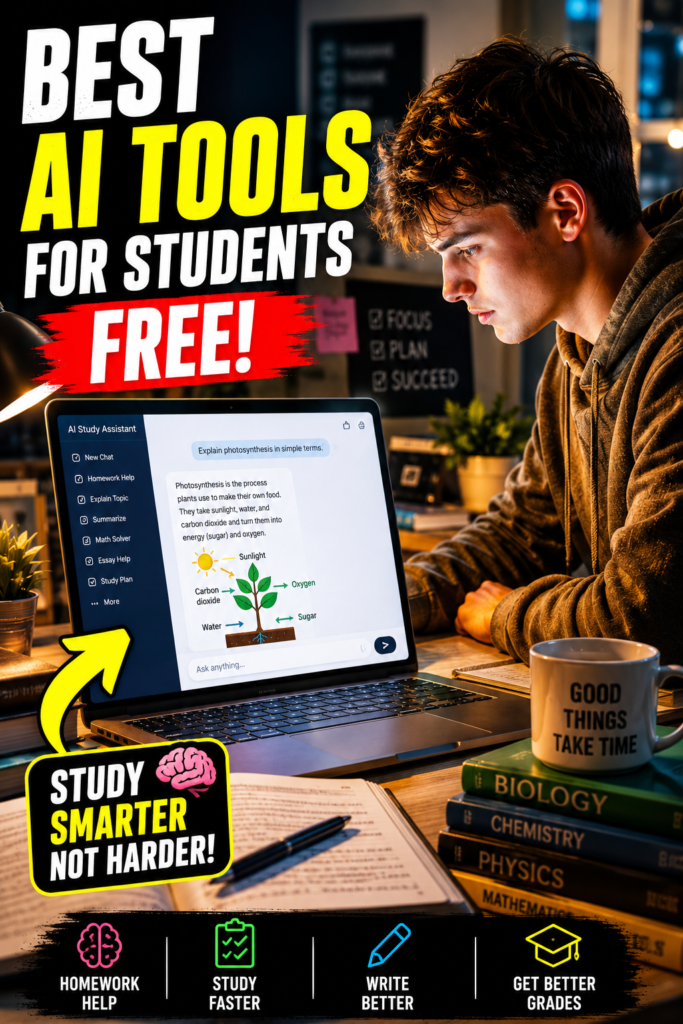
Best AI Tools for Students Free in 2026
College tuition is expensive. Textbooks cost a fortune. Assignments pile up faster than most students can handle. And somewhere between lectures, part-time jobs, deadlines, and exams, students across America are desperately searching for one thing: a smarter way to survive school.
That’s exactly why AI tools are exploding in popularity in 2026.
Students are no longer spending five hours organizing notes or staring at blank screens trying to start essays. Instead, they’re using powerful free AI tools to study faster, write better, improve productivity, and reduce academic stress. The best part? Many of these tools are completely free.
But not every AI tool is worth your time.
Some generate inaccurate information. Others overload users with ads or require expensive subscriptions after a short trial. That’s why this guide was created — to help students find the best AI tools for students free without wasting time on low-quality apps.
Whether you’re a high school student, college student, online learner, or graduate student in the USA, these tools can help you learn smarter while saving time and money.
Why Students Are Using AI Tools in 2026

AI has transformed education in ways nobody imagined a few years ago.
Students now use AI for:
- Writing essays
- Summarizing research papers
- Creating flashcards
- Solving math problems
- Managing study schedules
- Improving grammar
- Taking notes automatically
- Generating study guides
- Preparing presentations
The biggest reason students love AI is simple: it saves time.
Instead of spending hours searching Google for answers, students can now receive organized explanations in seconds.
Quick Comparison Table of the Best Free AI Tools for Students
| AI Tool | Best For | Free Version | Ideal For |
|---|---|---|---|
| OpenAI’s ChatGPT | Homework & writing | Yes | All students |
| Grammarly | Grammar & essays | Yes | Writers |
| Notion AI | Productivity | Limited Free | Organization |
| Quizlet AI | Flashcards | Yes | Exam prep |
| Canva AI | Presentations | Yes | Creative projects |
| Perplexity AI | Research | Yes | College students |
| Otter.ai | Lecture notes | Yes | Online classes |
| Photomath | Math solving | Yes | STEM students |
| Google Gemini | Research & study | Yes | General use |
| Microsoft Copilot | Productivity | Yes | Windows users |
ChatGPT – The Ultimate AI Study Assistant
Best For: Homework, brainstorming, explanations, writing help
When students search for the best AI tools for students free, ChatGPT is usually the first recommendation — and for good reason.
ChatGPT helps students:
- Understand difficult topics
- Summarize chapters
- Generate essay outlines
- Practice interview questions
- Learn coding
- Create study schedules
One of the biggest advantages is conversational learning. Instead of reading confusing textbook explanations, students can ask follow-up questions naturally.
For example:
“Explain photosynthesis like I’m a 10th-grade student.”
That type of personalized learning is changing education.
Pros
- Free to use
- Fast answers
- Great for brainstorming
- Helpful across multiple subjects
Cons
- Can occasionally provide inaccurate information
- Should not replace independent research.
Grammarly – Best AI Writing Tool for Students
Best For: Essays, grammar correction, academic writing
Bad grammar can destroy an otherwise excellent paper.
That’s why Grammarly remains one of the best AI tools for students free in 2026.
It checks:
- Grammar mistakes
- Sentence clarity
- Tone
- Punctuation
- Plagiarism (premium)
Students in American universities especially benefit from Grammarly because academic writing standards are extremely high.
The free version works perfectly for everyday assignments.
Why Students Love It
- Real-time corrections
- Easy browser extension
- Improves writing confidence
- Saves editing time
Notion AI – Best Productivity Tool for Students
Best For: Organizing classes and schedules
College life gets chaotic quickly.
Between assignments, projects, and exams, staying organized is difficult. Notion AI helps students manage everything in one place.
Students use it to:
- Create study planners
- Organize notes
- Track assignments
- Generate summaries
- Build productivity systems
If you struggle with time management, this tool can completely change your workflow.
Best Features
- Clean interface
- AI note summaries
- Task organization
- Team collaboration
Quizlet AI – Best for Exam Preparation
Best For: Flashcards and memorization
Memorization is still a huge part of education.
Quizlet helps students prepare for:
- SAT exams
- College tests
- Medical school
- Vocabulary learning
- Science definitions
Its AI-powered flashcard system makes learning faster and more interactive.
Students can even generate quizzes automatically from study material.
Why It Works
- Gamified learning
- Mobile-friendly
- Fast revision
- Excellent for last-minute studying
Canva AI – Best for Presentations & Projects
Best For: Presentations, posters, design projects
Many students lose marks because their presentations look boring.
Canva AI helps students create professional-looking:
- Slides
- Infographics
- Posters
- Social media graphics
- Group project visuals
Even students with zero design skills can make premium-quality presentations.
Popular AI Features
- Magic Design
- AI image generation
- Text-to-presentation tools
- Presentation templates
Perplexity AI – Best Research Assistant
Best For: Research and fact-checking
Research assignments are time-consuming.
Perplexity AI is becoming one of the best AI tools for students free because it provides sourced answers with citations.
Unlike many AI chatbots, it links directly to sources, helping students verify information quickly.
Great For
- College essays
- Research papers
- Academic summaries
- Fast fact-checking
Important Tip
Always verify sources before submitting academic work.
Otter.ai – Best AI Tool for Lecture Notes
Best For: Recording lectures automatically
Students often miss important information during lectures.
Otter.ai solves that problem by transcribing lectures in real time.
This is especially useful for:
- Online classes
- Fast professors
- Group discussions
- Study reviews
Instead of frantically typing notes, students can focus on understanding the lecture.
Key Features
- Voice transcription
- Searchable notes
- Meeting summaries
- Audio recording
Photomath – Best AI Tool for Math Students
Best For: Solving math equations
Math anxiety is real.
Photomath helps students solve equations step-by-step using a smartphone camera.
Students simply scan a problem and receive:
- Solutions
- Explanations
- Learning steps
It’s one of the most practical free AI tools for students in STEM fields.
Perfect For
- Algebra
- Calculus
- Geometry
- Homework support
Google Gemini – Best All-Around AI Assistant
Best For: Research and productivity
Google Gemini integrates well with tools students already use:
- Gmail
- Docs
- Drive
- Google Search
This makes studying smoother and faster.
Students use Gemini to:
- Summarize documents
- Generate ideas
- Improve writing
- Research topics
Advantages
- Strong search integration
- Easy access
- Free ecosystem tools
Microsoft Copilot – Best for Windows Users
Best For: Productivity and document assistance
Microsoft Copilot is becoming extremely popular among students using Windows laptops.
It works well with:
- Word
- Excel
- PowerPoint
- Edge browser
Students can create presentations, summarize notes, and improve writing efficiently.
Why Students Use It
- Integrated with Microsoft tools
- Helpful for presentations
- Fast workflow support
How to Use AI Tools Ethically as a Student
Using AI responsibly matters.
Many schools in the USA now allow AI-assisted learning, but students should avoid using AI to cheat.
Instead, use AI for:
- Learning concepts
- Brainstorming ideas
- Improving grammar
- Organizing notes
- Practicing problems
Avoid:
- Copy-pasting AI essays
- Submitting AI-generated work without editing
- Using fake citations
Professors increasingly use AI-detection tools, so authenticity still matters.
Benefits of Using Free AI Tools for Students
Here’s why these tools are growing rapidly in education:
Saves Time
Students finish assignments faster.
Reduces Stress
AI helps simplify difficult tasks.
Improves Learning
Concepts become easier to understand.
Boosts Productivity
Students stay organized and focused.
Helps Non-Native English Speakers
Writing tools improve communication skills.
The best AI tools for students free are no longer optional advantages — they’re becoming essential academic tools.
Potential Downsides Students Should Know
AI tools are powerful, but they aren’t perfect.
Risk of Inaccurate Information
Some AI tools may generate incorrect facts.
Overdependence
Students still need critical thinking skills.
Privacy Concerns
Avoid uploading sensitive personal information.
Academic Integrity Issues
Always follow your school’s AI policies.
Best AI Tools for Different Student Needs
| Student Need | Best AI Tool |
|---|---|
| Essay Writing | Grammarly |
| Homework Help | ChatGPT |
| Math Solving | Photomath |
| Research | Perplexity AI |
| Organization | Notion AI |
| Presentations | Canva AI |
| Lecture Notes | Otter.ai |
How to Choose the Right AI Tool
Before choosing an AI tool, ask yourself:
- What subject do I need help with?
- Do I need writing support or study help?
- Is the free plan enough?
- Does it work on mobile?
- Does it integrate with my school tools?
The ideal AI tool depends on your learning style.
Conclusion
Education is evolving rapidly, and AI is becoming a major part of modern learning.
The students succeeding in 2026 aren’t necessarily studying longer — they’re studying smarter.
Using the best AI tools for students free can help save time, reduce stress, improve writing, and make learning more efficient. Whether you need homework help, better organization, research support, or exam preparation, there’s an AI tool designed to help you succeed.
The key is balance.
Use AI to enhance your education, not replace your effort. Students who combine critical thinking with smart AI tools will have a major advantage in school and future careers.
If you haven’t started using AI tools yet, now is the perfect time.
FAQ Section
What are the best AI tools for students free in 2026?
Some of the top free AI tools include ChatGPT, Grammarly, Canva AI, Quizlet, Notion AI, and Perplexity AI.
Are AI tools safe for students?
Most major AI platforms are safe if used responsibly. Students should avoid sharing personal or sensitive information.
Can AI help students improve grades?
Yes. AI tools can improve productivity, understanding, organization, and writing quality when used properly.
Is ChatGPT free for students?
Yes. ChatGPT offers a free version that works well for homework help, explanations, and studying.
Which AI tool is best for research papers?
Perplexity AI and Google Gemini are excellent for research because they provide sourced information and summaries.
Can teachers detect AI-written essays?
Many schools use AI-detection software. Students should use AI as a learning assistant, not as a replacement for original work.